
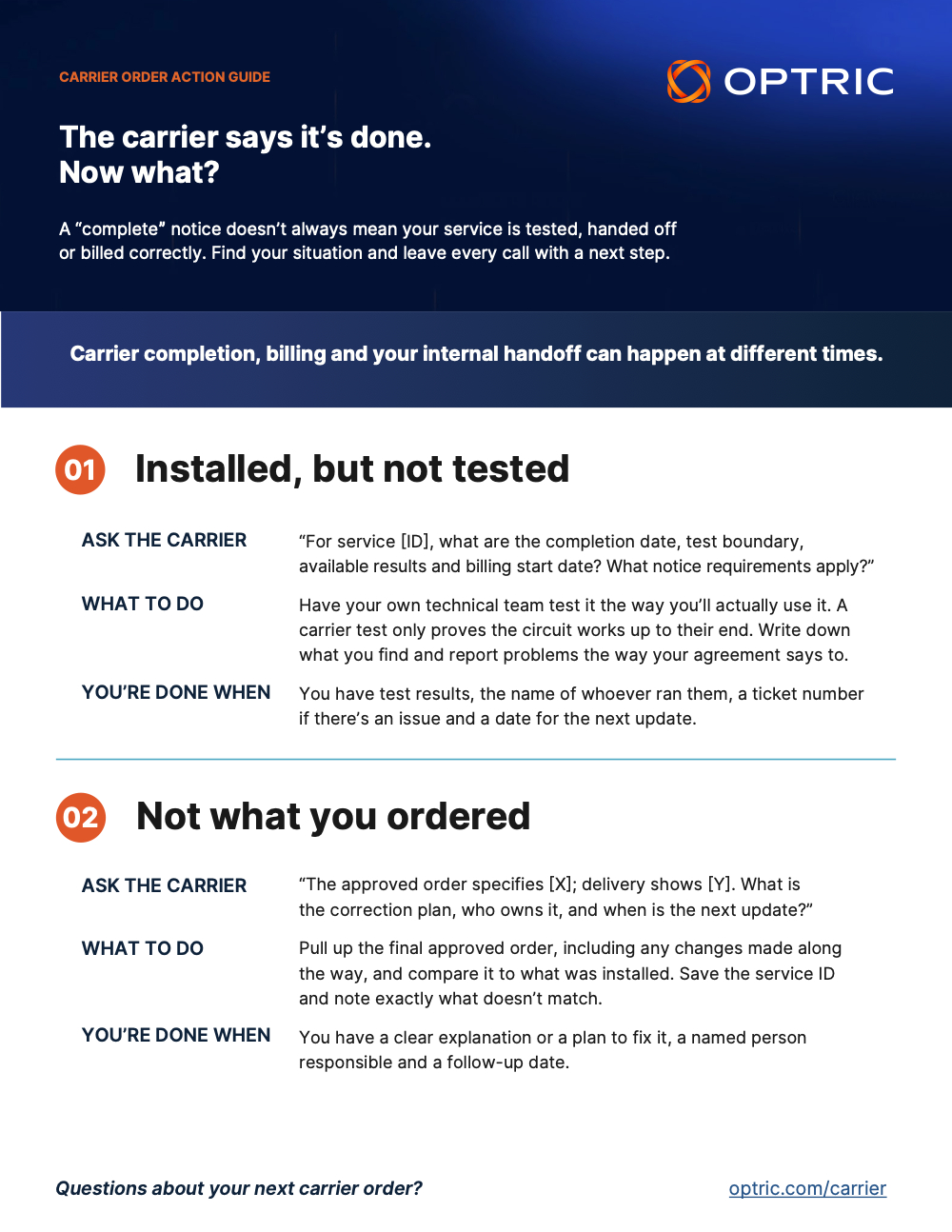
You get the email: your new circuit is complete. It’s tempting to mark the project closed and move on.
But “complete” from the carrier usually means the circuit is up and working at their handoff point. It doesn’t mean your team has tested it, confirmed it matches what you ordered or handed it to the people who’ll support it. And billing may begin before any of that happens.
The good news is that closing the gap doesn’t take much. Before you move on, make sure you can answer four questions:
- What was delivered?
- What passed testing?
- Who supports it?
- What should finance expect?
Here’s how to get there.
1. Test it for how you’ll actually use it
The carrier’s test proves the circuit works up to their end. It doesn’t prove the service is ready for your applications.
Start by asking the carrier what they tested and where their testing stopped. Then have your team test what matters for this service, whether that’s customer equipment, routing, application connectivity, voice or failover. Use the acceptance criteria in your agreement as your guide.
If something fails, report it right away through the notice or escalation process in your agreement. Notice deadlines can be short, so don’t wait.
What to save: the carrier’s test results, your team’s results (including who tested and when) and, for any open issue, the ticket number, owner and next step.
2. Make sure you got what you ordered
A circuit at the right address can still be configured differently than you expected.
Pull up the final approved order, including any changes made along the way, and compare it to the completion notice and what was actually installed. Check the address, product, capacity, handoff location and any features or diversity requirements you ordered.
What to save: the approved order, any changes, the completion notice and the delivered configuration, all together with the service or circuit ID and the carrier’s commencement date. If something doesn’t match, note it and who’s fixing it.
3. Hand it off to operations, for real
“Project complete” isn’t the same as “operations owns it.”
Name the person or team taking over the service. Make sure they know how to open a carrier ticket, where the account details live and who to call for escalation. Give them the technical details, too: demarcation, IP assignments, configuration notes and as-builts.
What to save: update your inventory with the site, service ID, purpose and owner, and record who received the handoff and when. Six months from now, when something breaks, nobody will have to guess.
4. Get finance ready for the first bill
The first invoice catches a lot of people off guard. It may arrive after activation and include partial-period or one-time charges.
Before it shows up, check the billing account, service location, expected recurring and one-time charges, commencement date and term against the final order. Then name one person to review that first bill. They should compare the service ID, dates and charges with the order, raise anything that looks off through the carrier’s process and track it until it’s resolved.
Who checks the bill? Your organization does. OPTRIC’s bill review currently covers AT&T service only.
What to save: the expected charges, agreement terms and commencement date with the order record, plus any billing inquiry or dispute reference.
If you replaced a circuit close out the old service
A new circuit does not automatically disconnect the one it replaced. Once the replacement is tested and ready, confirm that the old circuit is no longer needed, including for backup or any dependent service. Have an authorized person submit the disconnect request through the carrier’s process, in line with the agreement. Keep the request reference and confirmed disconnect date, then check subsequent bills to make sure the old service’s charges stop as agreed. Track any remaining charges through to resolution.
Wrap it up in one place
Once you can answer the four questions, put the answers in one short handoff record, along with any open items, owners and dates. Share it with operations and finance. An order can close on paper while questions are still open, so keep those items visible until someone resolves them.
Your carrier’s order and agreement still govern completion, billing and acceptance. These checks just make sure your team is actually ready when the carrier says it’s done.
Questions about your next carrier order? Visit optric.com/carrier.